

QuerySafe Compass
LiveNot every question needs maximum AI.
Guide.
Compass sits inside the AI tools you already use. It sharpens your prompt, tells you how much AI the task really needs, and points you to the right model, so you get better answers and stop burning credits on simple work.
Add the Chrome extension to use Compass with AI experiences such as ChatGPT, Claude and Gemini.
Simple language transformation detected; a lightweight capability should be sufficient.
- task · language transformation
- input · ~120 words
- reasoning depth · low
- output · same length
Correct the grammar of this email.
Concept demo · generic assistant interface
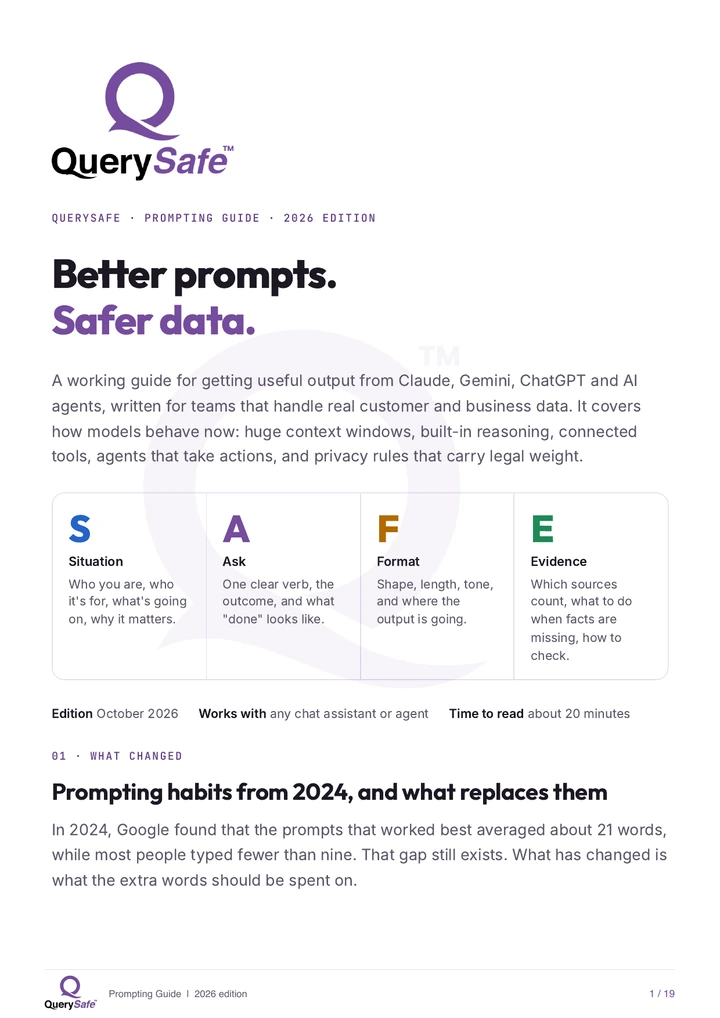
Free 2026 guide
Better prompts. Safer data.
Get the 19-page QuerySafe Prompting Guide for Claude, Gemini, ChatGPT and AI agents, with the SAFE framework, practical examples and a pre-send checklist.
- Prompt patterns updated for 2026
- Privacy guidance for real business data
- Role-based playbooks for everyday work
AI power needed
Understand the task before choosing the AI.
Compass scores every prompt from 0 to 100 for how much capability it needs. Low scores go to fast, inexpensive models. High scores get deep reasoning.
- 18Fix grammar in an email
- 34Summarize a meeting transcript
- 57Write a SQL query from a description
- 76Review a contract for risky clauses
- 91Redesign a distributed architecture
What Compass does
- 01
AI Prompt Enhancement
Turn everyday prompts into professional-grade instructions: clear role, clear steps, clear output.
Before · “summarize this”
After · “Summarize the report below in five bullet points for a CFO, with one risk and one next step.”
- 02
Smart Model Selection
Get the right model recommendation for every query, with the reason shown.
task · long-form planning
reasoning · high → deep reasoning model
- 03
Save AI Credits
Don't spend expensive models on simple tasks. Fast models handle everyday work; deep reasoning is saved for what needs it.
grammar fix → fast
architecture review → deep
- 04
AI Usage Insights
Understand how you use AI and where you can optimize.
Your week · 142 promptsconcept demo - Fast model was enough61%
- Balanced27%
- Needed deep reasoning12%
Most of your prompts didn't need your most expensive model. Compass shows where to switch.
Ready now
Give your next prompt a better direction.
Add Compass to Chrome, improve the prompt and see which AI model fits the task.